
Optimizing Material Yields: Reducing Scrap on Perforated Polyester Rolls
Scrap on perforated polyester transfer rolls is usually a system loss, not a single machine fault. It builds up at the roll edge, at the registration mark, during a splice, after a short stop, or when the selected paper width does not match the sellable layout. The practical fix is to control three variables before speed: the verified width envelope, the registration datum, and the maintenance state of the sublimation printer.
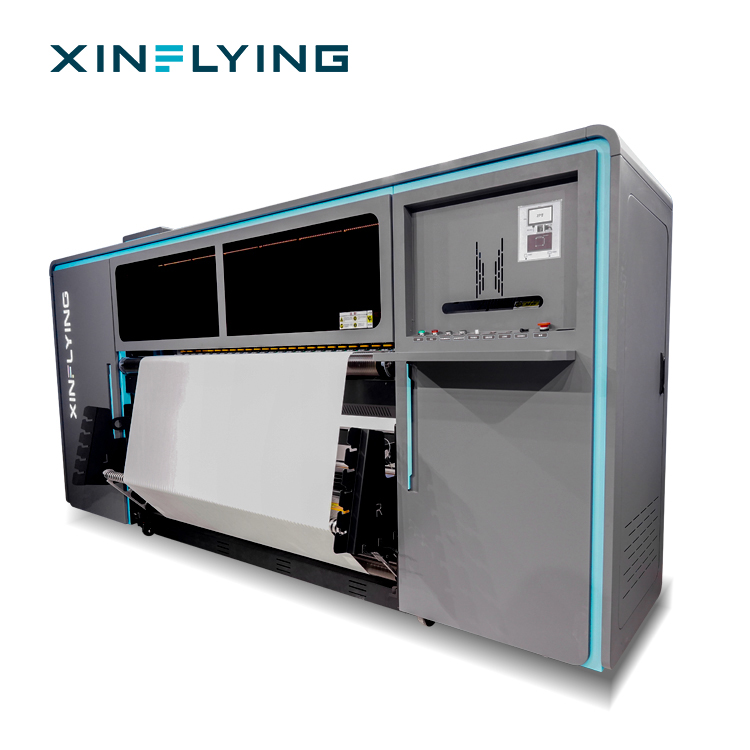
This guide is written for production managers, print supervisors, and textile business owners running a commercial sublimation printer or a roll to roll sublimation printer on polyester transfer media. It treats material yield as sellable printed area divided by roll area consumed, including setup, reprints, trim, and roll-end loss. The XF-Q2000 is used as the reference machine for the protocol; its approved datasheet should remain the only source for its specific width, registration, and maintenance limits.
Problem definition: where yield disappears on perforated polyester rolls
Material yield falls when the roll is wider than the job, when the image is not nested to the usable area, when perforations drift away from the feed datum, or when a wrinkle causes a head strike. Each event creates a different kind of scrap. Some waste is visible as trimmed paper. Other waste is hidden in reprints, stopped production, and short rolls that cannot be used for the next order.
Perforated transfer rolls need a stricter discipline than plain roll media because the perforation pattern is part of the feed and registration geometry. Treat the perforation as a datum to be matched, not as a decorative feature. If the roll is loaded slightly off the intended path, the print may start correctly and drift only after several meters. That delayed drift is why first-meter checks alone are not enough for long runs.
| Scrap source | Early signal | Practical control |
|---|---|---|
| Roll width mismatch | Unused margin at one edge or forced edge trim | Map the job to the verified print width before ordering or loading the roll. |
| Registration drift | Perforation offset grows along the run | Set a clear datum, lock the feed, and recheck after splices and tension changes. |
| Wrinkle or head strike | Raised fold, streak, or contact mark | Inspect rollers, media path, and tension before restarting production. |
| Color rejection | Batch-to-batch shade difference | Use a controlled RIP profile, compatible ink, and a checked heat-transfer condition. |
| Maintenance gap | Missing nozzles, banding, or uneven ink delivery | Run daily nozzle checks and the approved cleaning routine. |
| Roll-end loss | Short tail that cannot complete the next job | Plan the last meters and define a splice rule before the roll is nearly empty. |
Industry background: why sublimation runs punish small errors
Sublimation heat-transfer printing changes dye from a solid state to a gas under heat, without becoming liquid. The dye then bonds with polyester-based material. Printing Industries of America technical guidance describes this gas-phase transfer as the defining mechanism, which is why the process behaves differently from surface inkjet printing. The transfer is not simply laid on top of the fiber; it depends on controlled heat, time, pressure, and compatible media.
That mechanism makes media selection part of scrap control. A secondary process guide identifies textiles made of at least 80 percent polyester, or materials with a polyester coating, as particularly suitable for sublimation. When the substrate or coating is outside that suitability range, the operator may see weak transfer, dull color, or inconsistent results that lead to reprints. The same logic applies to perforated polyester transfer rolls: the roll must be fit for the job, and the machine must be set to the roll.
Garment applications also concentrate the cost of error. Smithers data cited in the supplied industry evidence places garments at 71.9 percent of total dye-sublimation printing volume in 2025. A production line serving sportswear, team kits, or fashion panels cannot absorb repeated registration scrap without affecting delivery. The point is not that every run must be perfect; the point is that yield control must be planned before the first meter is printed.
Width first: set the XF-Q2000 envelope before loading the roll
The first yield decision is width, not speed. A wide format sublimation printer can consume more paper per hour, but it can also create more trim if the job layout does not use the available width. For an XF-Q2000 run, build a one-page setup sheet from the approved machine datasheet. Record the maximum print width, accepted media width range, perforation or pin-registration requirement, roll diameter, feed tension range, head height, drying or curing settings, maintenance interval, and approved RIP profile. Do not copy those values from another XF model.
The width envelope should be checked against the sellable layout, not against the roll label alone. If a job needs 1.6 m of printed width but the roll is 1.8 m, the remaining margin may be unavoidable for that order. If the same roll could carry two narrower jobs side by side, nesting can recover part of the margin. The key question is whether the extra width becomes sellable print or controlled trim. Unplanned trim is scrap; planned trim is a costed part of the job.
Documented XF configurations show why width planning needs exact values. The XF-H1802X-2I32A1 is listed with an 1800 mm printing width, 2 Epson i3200-A1 printheads, and speeds up to 52 square meters per hour. The XF-O2000-4I32A1 is listed with a 1950 mm printing width, 4 Epson i3200-A1 printheads, and speeds up to 180 square meters per hour. The calculated difference between those two documented printing widths is 150 mm. That difference is useful only when the artwork, perforation pitch, and post-press trim are designed to use it.
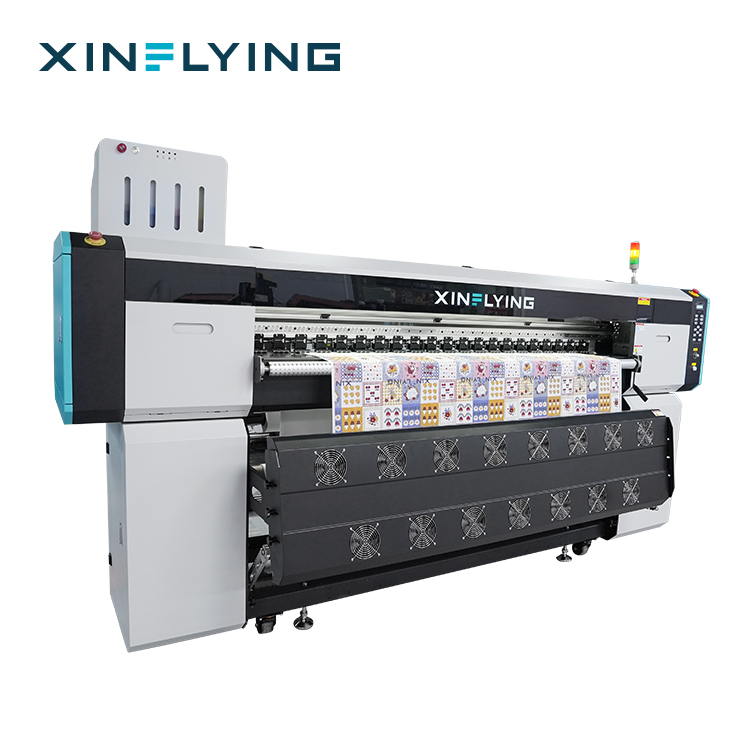
For buyers comparing a 1.9 m sublimation printer or 1900 mm sublimation printer class, the same rule applies. A wider machine does not automatically reduce paper waste. It changes the available width envelope. The operator must re-nest the job, confirm the perforation pattern, and check whether the wider roll can be handled without edge damage. If the extra width is used for more copies per meter, yield can improve. If it is used for a single narrow job, the wider roll may simply create more expensive trim.
Registration second: control the perforation datum and the first meters
Registration scrap usually starts small. The first print may look acceptable, but after a few meters the image shifts, the perforation no longer aligns with the intended reference, or the lead edge curls. The operator then reprints the section, and the roll loses both paper and production time. The control is to establish a repeatable registration procedure and verify it at defined checkpoints.
For perforated polyester rolls, define the perforation pattern as the primary datum. Load the roll against the machine guide, confirm that the perforations engage or align as intended, and set the print origin from the approved RIP layout. Use registration marks when the artwork includes them, and keep critical design elements inside the safe print area. If the job has no printed registration mark, use the perforation position and the edge reference together rather than relying on visual centering alone.
Check registration after the first two to three meters, after every splice, after a roll change, and after any tension adjustment. A first-meter check is not enough because drift can appear later. If the machine has a camera or optical registration system, verify that it is reading the correct mark and not a perforation edge. If the system uses manual alignment, record the offset value in the setup sheet so the next run starts from a known position rather than a guess.
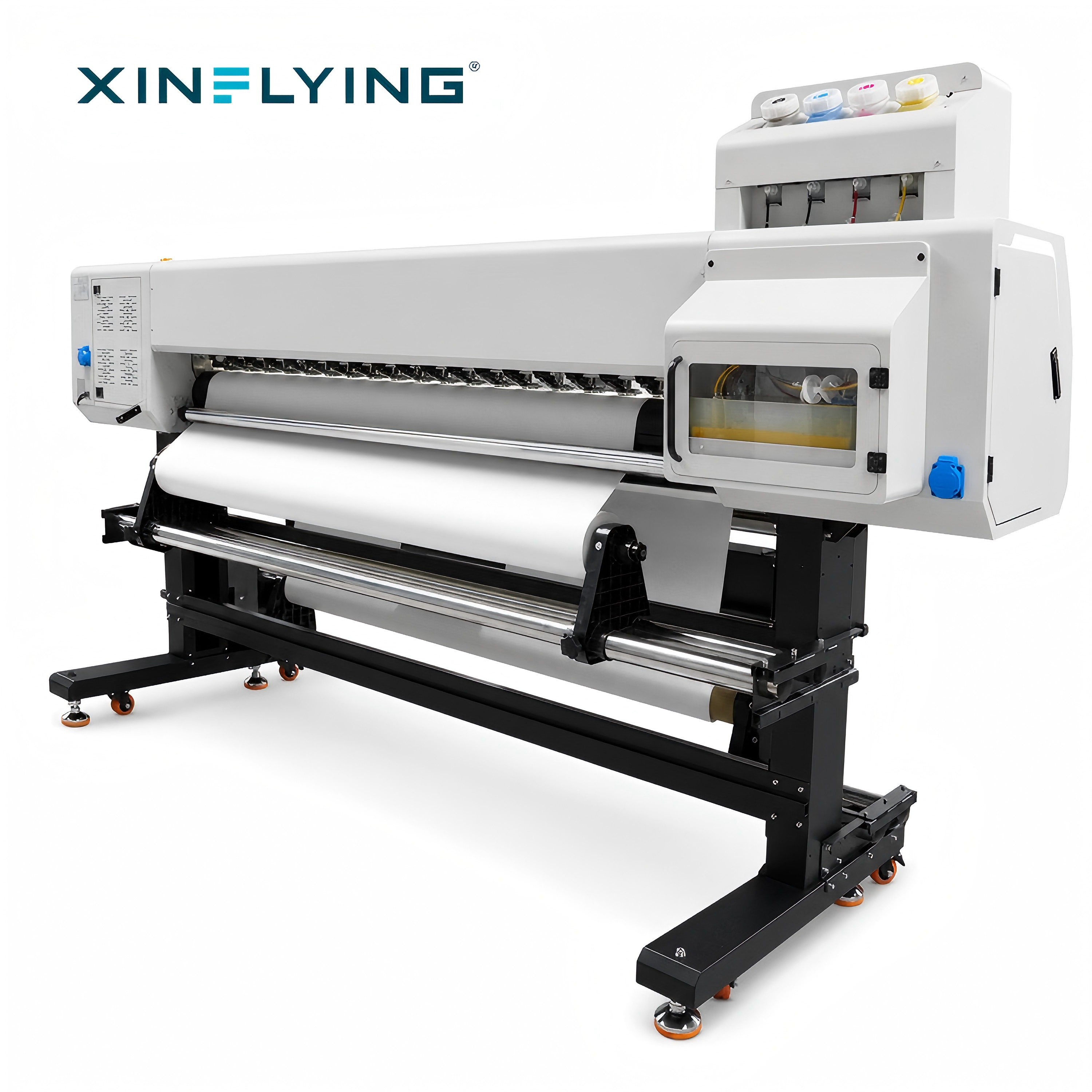
Registration also affects nesting. A layout that leaves no margin for small side-lay movement may fit on paper but fail in production. Leave a practical safe margin based on the machine's documented capability and the stability of the roll. If the job is highly sensitive to side-lay, reduce the number of images across the width or add a controlled trim allowance. That may look like a lower-density layout, but it can reduce reprints and raise net yield.
Maintenance third: protect registration and ink delivery during long runs
Maintenance is not a separate housekeeping task. It directly affects scrap because a partially blocked nozzle, an unstable ink supply, or a misaligned printhead can turn a good layout into a reprint. For continuous production, start with a daily nozzle check and inspect for missing nozzles before loading an expensive roll. If the check is abnormal, clean the printhead through the printer system and confirm recovery before production.
Use the maintenance routine supported by the machine documentation: nozzle checks, printhead cleaning, ink supply inspection, printhead alignment, and calibration. Check that the ink is compatible with the printer and the intended polyester application. Do not leave the printer unused for long periods without the approved preservation routine, because dried ink can lead to clogging and missing colors. When print quality drops suddenly, check nozzle status first, then ink supply, then printing parameters.
Environment belongs in the maintenance protocol. The supplied operating guidance for these sublimation production environments recommends a controlled indoor range of 18°C to 30°C and 35 percent to 65 percent relative humidity. Stable temperature and humidity support consistent ink performance and color accuracy. A roll that has absorbed moisture or been stored in an uncontrolled area may behave differently from the same specification stored in the production room. Condition the roll before a critical run when storage conditions are uncertain.
Record maintenance actions beside the production record. If a roll produced scrap after a cleaning cycle, the record should show what changed and when. That makes it possible to separate a media problem from a maintenance problem instead of blaming the paper by default.
Step-by-step protocol for reducing scrap on perforated polyester runs
- Confirm the job envelope. Write down the sellable width, repeat length, number of images across, trim allowance, and expected roll length. Compare the layout with the verified XF-Q2000 media range. If the job does not fit the documented range, stop before loading the roll.
- Build the XF-Q2000 checkpoint sheet. Copy only approved values from the machine datasheet: print width, media width range, perforation or pin requirement, tension range, head height, maintenance interval, and approved RIP profile. Keep the sheet at the machine so operators do not rely on memory.
- Condition and inspect the roll. Check the roll edge, perforation line, splices, and packaging damage. Confirm that the roll width matches the job envelope. Load the roll squarely against the guide and remove slack without stretching the media.
- Set width and nesting in the RIP. Place images to use the sellable area, not the full paper width by default. Add a controlled trim allowance where the process needs it. Keep critical design elements inside the safe area and away from the perforation line.
- Set and lock registration. Use the perforation pattern and the approved layout origin. Lock the feed setting before the first production print. Record any manual offset so the next run starts from the same reference.
- Run a first-meter validation. Print a short section at production settings. Check registration, edge position, color, wrinkles, and perforation alignment. Measure the result rather than judging it by eye.
- Recheck after the first splice and roll change. Registration drift often appears after a new roll is loaded or a splice passes through the feed. Repeat the registration check at those points, not only at the start.
- Monitor tension and media path during the run. Watch for edge curl, wrinkles, and unusual feed noise. If a wrinkle reaches the print zone, stop and correct it before a head strike creates a larger scrap event.
- Control color before the full batch. Confirm the ICC profile, RIP settings, ink compatibility, and heat-transfer condition. If the color is off, correct the settings on a test piece before printing the full roll.
- Plan the roll end. Calculate whether the remaining length can complete the next job. If not, assign it to a smaller order or a controlled test rather than starting a run that will fail near the end.
- Review scrap after the run. Record the meters consumed, meters sold, reprint length, trim reason, and downtime cause. Use that record to adjust nesting, registration checks, or maintenance frequency for the next run.
Use cases: where the protocol pays back fastest
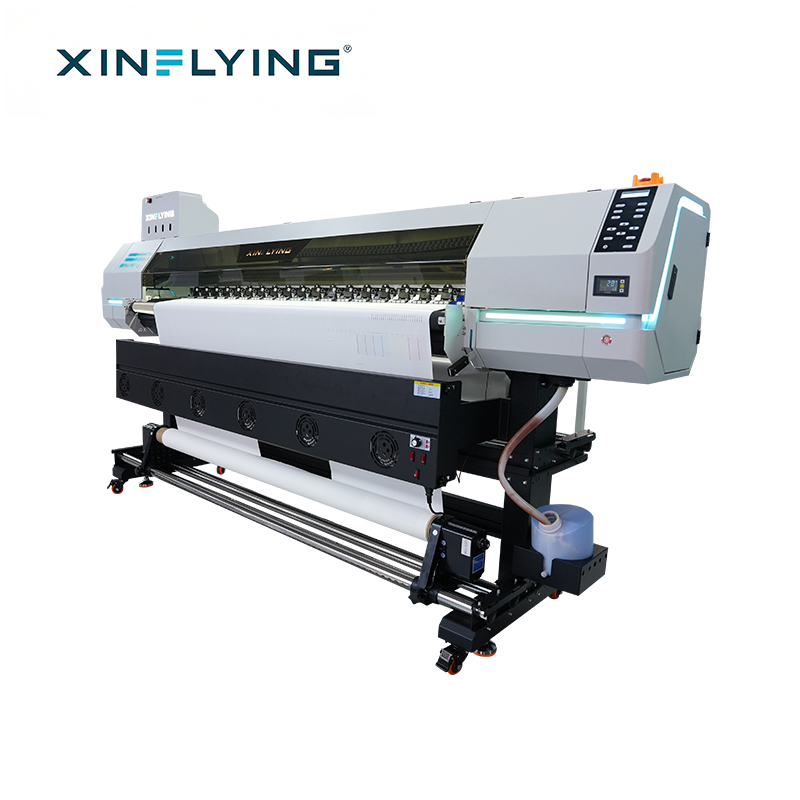
Sportswear and team kits. Full-surface designs and repeated panels leave little room for registration drift. A stable perforation datum and a layout that uses the roll width efficiently can reduce reprints. The XF-H1802X-2I32A1, with its 1800 mm printing width and speeds up to 52 square meters per hour, is positioned for small and medium-sized production, sampling, and small-batch orders where setup scrap matters.
Home textiles and wide panels. Wide panels expose edge defects and wrinkles across a large area. Width planning is especially important because a narrow job on a wide roll can generate more trim than expected. Use the documented 1950 mm width of the XF-O2000-4I32A1 only when the layout and post-press plan can use the extra area.
Soft signage, flags, and banners. These jobs often combine long repeats with roll-end pressure. A roll-end plan and a splice check can prevent the last meters from becoming unusable. The same registration discipline applies, but the cost of a failed panel is higher because the whole panel may need reprinting.
Custom apparel and sampling. Short runs carry a higher share of setup scrap. Standardize the setup sheet, keep a record of approved offsets, and use a machine size that matches the order profile. A large format sublimation printer used for small sampling jobs without nesting discipline can create unnecessary trim.
Documented model reference for width and output planning
The table below uses only specifications supplied in the approved product content. It is a planning reference, not a claim that one model is universally better than another. The right choice depends on the job envelope, order profile, and the operator's ability to control registration and maintenance.
| Model | Documented print width | Printheads | Documented speed | Production role | Scrap-planning implication |
|---|---|---|---|---|---|
| XF-H1802X-2I32A1 | 1800 mm | 2 Epson i3200-A1 | Up to 52 square meters per hour | Entry-level and small-to-medium production | Useful for sampling and smaller orders; tighter width envelope requires careful nesting. |
| XF-O2000-4I32A1 | 1950 mm | 4 Epson i3200-A1 | Up to 180 square meters per hour | Mid-range continuous production | Additional width can improve nesting only when the layout and trim plan use it. |
| XF-19E8-PRO | Confirm on model datasheet | 8 Epson i3200-A1 | Up to 306 square meters per hour | Industrial high-volume production | Higher output raises the cost of registration scrap, so first-meter and splice checks become more important. |
The XF-19E8-PRO is also listed with 3200 dpi resolution. That resolution can support detailed designs, but it does not replace registration control. A high-resolution print with a drifting perforation datum is still a reprint. Match the resolution and speed setting to the job, then keep the registration and maintenance protocol consistent across the run.
FAQ: perforated polyester roll yield and long-term supplier questions
How does roll width affect scrap on perforated polyester transfer rolls?
Roll width affects scrap because every millimeter outside the sellable layout becomes either planned trim or unplanned waste. Start with the job envelope, not the roll label. Compare the layout width with the verified XF-Q2000 media range, then decide whether the remaining margin can be nested with another job. The documented XF-O2000-4I32A1 printing width is 1950 mm, while the XF-H1802X-2I32A1 is 1800 mm. That is a calculated 150 mm difference in printing width, but the extra width only improves yield when the artwork, perforation pitch, and post-press trim are designed to use it.
How should I set registration on a perforated roll?
Set registration from the perforation pattern and the approved layout origin, then lock the feed setting before production. Check the first two to three meters, and recheck after every splice, roll change, and tension adjustment. If the machine uses optical registration, confirm that it reads the intended mark rather than a perforation edge. Record any manual offset so the next run starts from the same reference. This procedure reduces drift-related reprints, but it must use the machine's approved registration method and media specification.
What maintenance protocol reduces scrap during long sublimation runs?
Begin with a daily nozzle check and inspect for missing nozzles before loading an expensive roll. Clean the printhead through the printer system when the check is abnormal, confirm ink supply stability, and perform printhead alignment and calibration as required. Keep the production environment within the recommended 18°C to 30°C and 35 to 65 percent relative humidity range. Use compatible sublimation ink and avoid leaving the printer unused for long periods without the approved preservation routine. Record each maintenance action so scrap causes can be traced.
Can a wider sublimation printer reduce paper waste?
A wider sublimation printer can reduce paper waste only when the wider roll is used for more sellable area per meter. If a narrow job is printed on a wide roll without nesting, the extra width becomes trim. Use the documented width envelope, re-nest the job, and check whether the perforation pattern and post-press plan support the wider format. A 1.9 m sublimation printer or 1900 mm sublimation printer class should be evaluated with the same rule: width is a production option, not an automatic yield gain.
How do I choose a long-term sublimation printer supplier for textile production?
Evaluate the supplier on documented machine configuration, technical support, spare parts availability, training, maintenance guidance, and the ability to provide compliance documents that match the actual model. Xinflying, formally Guangzhou Xin Flying Digital Technology Co., Ltd., is a digital printing equipment manufacturer founded in 2010, with a 37,440 square meter factory, more than 200 employees, 20 engineers in its R and D team, and an annual output of more than 20,000 units. The company reports an 80 percent export ratio and serves markets in North America, South America, Europe, Asia, the Middle East, and Africa. Its stated purchasing terms include a minimum order quantity of 1 unit, EXW, FOB, CIF, and DDP delivery terms, pre-shipment testing, and payment by T/T, Western Union, or PayPal.
For a long-term decision, ask for a pre-shipment test on the exact configuration, a written maintenance schedule, and a spare-parts list. Confirm that the approved datasheet matches the machine you will receive. A practical next step is to request a sample validation or a written quotation for the specific roll width and production profile you plan to run. You can review the company profile at Guangzhou Xin Flying Digital Technology Co., Ltd. and download the company brochure from the link at the end of this guide.
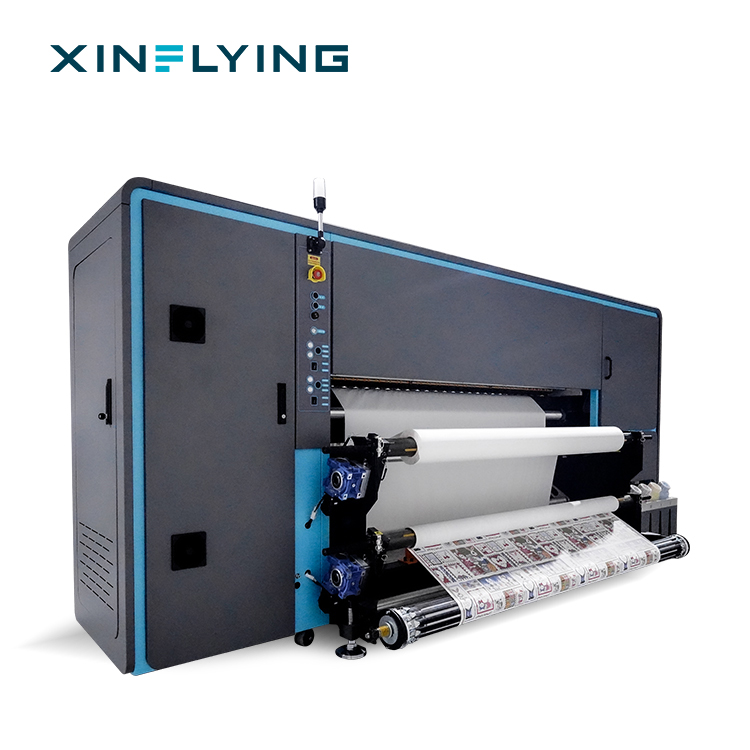
Conclusion: yield is controlled before the first print
Reducing scrap on perforated polyester rolls is not a single setting. It is a sequence: verify the width envelope, lock the perforation datum, maintain the printer, and check registration at the points where drift begins. A wider paper or a faster machine can support higher yield, but only when the layout, perforation pattern, and maintenance state are controlled together.
For an XF-Q2000 run, keep the approved datasheet at the machine and use it to build the setup sheet. Do not import width, registration, or maintenance values from another model. For wider work, compare the job envelope with documented models such as the 1800 mm XF-H1802X-2I32A1 and the 1950 mm XF-O2000-4I32A1, and treat the 150 mm calculated difference as an opportunity that must be earned through nesting and trim planning.
Next step: If you are planning a long-term sublimation line for polyester textiles, request a pre-shipment test, a configuration-specific quotation, and a written maintenance schedule. Xinflying can be reached at info@xin-flying.com or +86 188-1322-1357.
Company brochure: Download the Xinflying company introduction PDF.
Have Questions or Need More Details?
Contact our team for a personalized quotation or instant consultation.
Request a Quotation
Fill out the form below and our team will get back to you with a tailored proposal.
WhatsApp Direct Chat
Prefer to chat in real-time? Message us on WhatsApp for instant assistance & quick answers.
- Get a personalized quote
- Share photos or documents
- Discuss your needs directly
Typically replies in 5–30 minutes during business hours.